 Local Photo Restore
Old photo enhancer
An old photo enhancer that runs on your iPhone
Small scans, soft snapshots, and pictures copied from an old print all lack detail. Local Photo Restore’s Enhance tool uses on-device AI to enlarge them up to 4x with crisper edges and texture, without sending the photo anywhere.
$3.99 onceNo subscription or credits
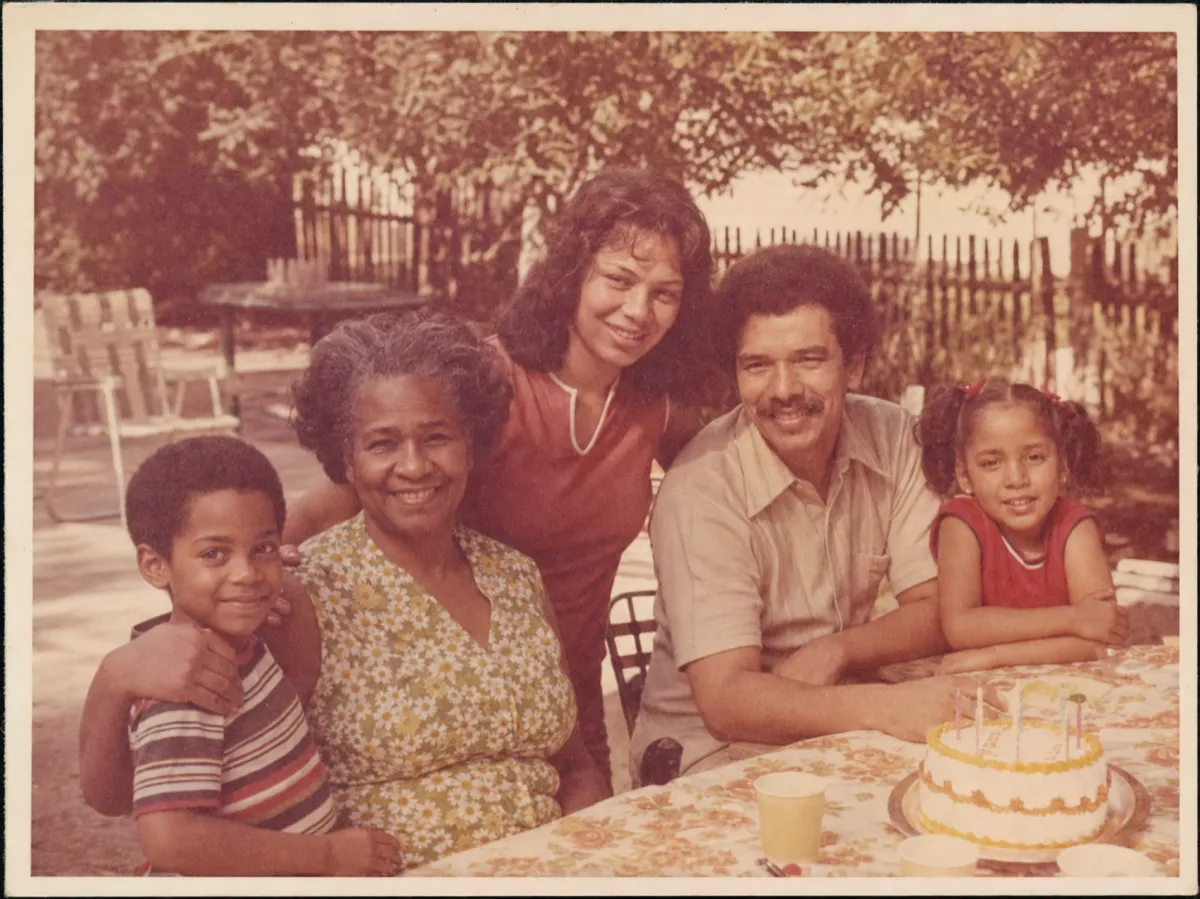
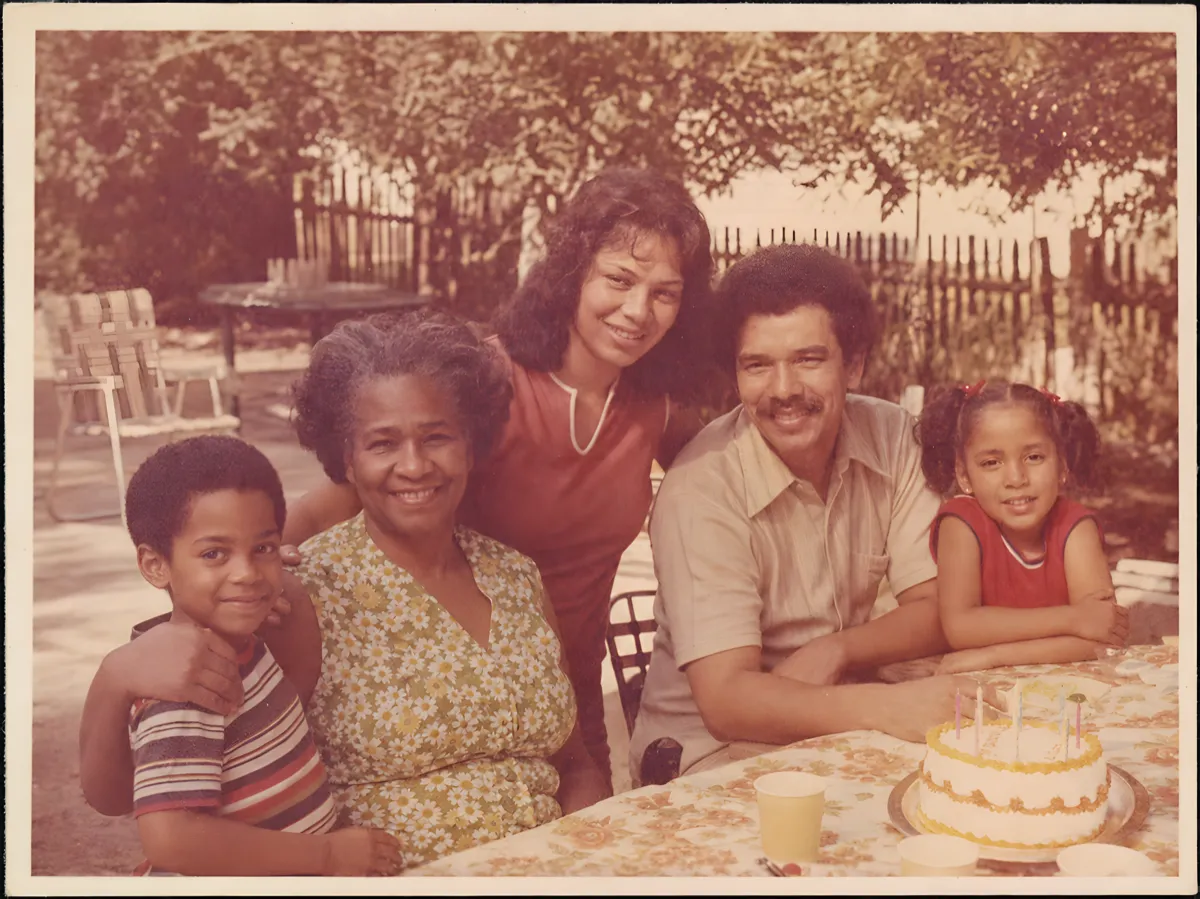
What “enhance” means here
Enhance runs a super-resolution model (Real-ESRGAN ×4, converted for Core ML) on your device. It predicts a sharper, four-times-larger version of the photo. A 1449 × 1086 scan comes out at 4728 × 3544, near the app’s 17-megapixel cap. A 512-pixel image becomes 2048 pixels.
It works best on photos that are soft or small but otherwise intact: wallet prints, contact-sheet frames, low-resolution scans from years ago, and pictures photographed off a print.
Then fix the color, if it needs it
Many old photos are also yellowed or washed out. After enhancing, tap Auto Fix or adjust Remove Yellow Tint and Restore Contrast. More about fixing yellowed photos.
What it won’t do
- It won’t fix scratches, tears, stains, or glare. Options for damaged prints.
- It won’t colorize black-and-white photos.
- It won’t generate a new face or rebuild missing areas.
- It can’t recover detail the original never captured. On very small photos it predicts plausible texture, so compare faces closely and keep the original. Why that matters.
Why on-device matters for family photos
Most AI enhancer apps upload your photos to their servers and charge weekly or per credit. Local Photo Restore does the work on your iPhone or iPad, with no account, and costs $3.99 once. See private photo restoration or compare the options.