 Local Photo Restore
Yellowed & faded photos
Fix yellowed, faded old photos on your iPhone
Color prints from the ’60s, ’70s, and ’80s drift yellow and flat as their dyes age. Local Photo Restore’s Restore Color tool pulls the cast back toward neutral and brings back contrast, on your device, with a live preview.
Download on theApp Store (Local Photo Restore, $3.99)
$3.99 onceiPhone & iPad
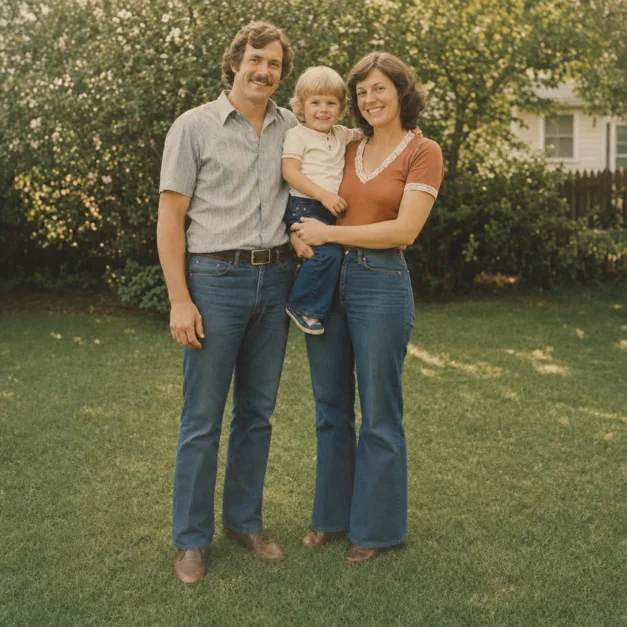
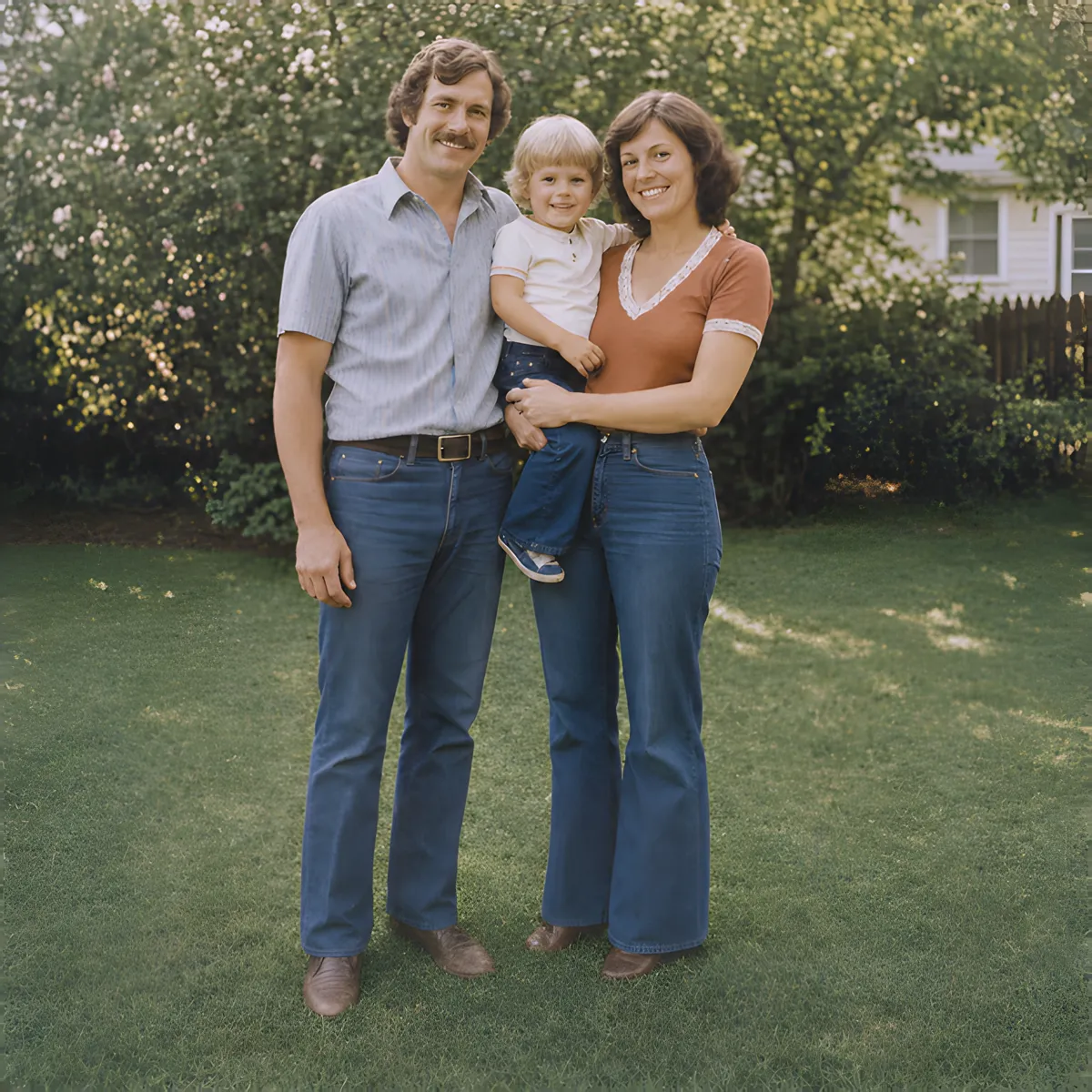
Two sliders and an Auto Fix
- Remove Yellow Tint measures the cast in your photo and reduces it as you slide.
- Restore Contrast stretches the faded tonal range so shadows and colors read again.
- Auto Fix sets a conservative starting point that adapts to the cast and fading it measures in each photo. Adjust from there.
These are image adjustments rather than generative AI: they rebalance color that’s already in the picture and don’t add anything. For soft or small photos, run Enhance first for extra clarity and resolution.
How much correction is right?
Less than you think, usually. Compare a white shirt or wall with skin tones; stop when the photo looks balanced, before skin turns gray or shadows go blue. The yellow tint guide walks through it.
Limits
- Restore Color works on color already in the photo. It doesn’t colorize black-and-white or sepia prints (though it can neutralize a sepia tone).
- Colors that have faded to nothing can’t be brought back exactly; the result is a balanced interpretation, not the original dye.
- Local stains, water marks, and scratches aren’t removed.
- If your capture was taken under warm lamp light, re-shoot in daylight first. It’s easier than correcting two casts at once.